Pick Up the LightXtreme VPN App
 30-Day Money-Back Guarantee
Download for Mac
Mac models with macOS 12 or above are all covered.
A 2,000+ server network in over 70 countries delivers great results.
Geo blocks are lifted, leaving every site and platform accessible.
No ceiling and no throttling mean a fast, reliable connection.
You browse under a virtual IP while your real one stays hidden.
Encryption keeps your private activity safe on the web.
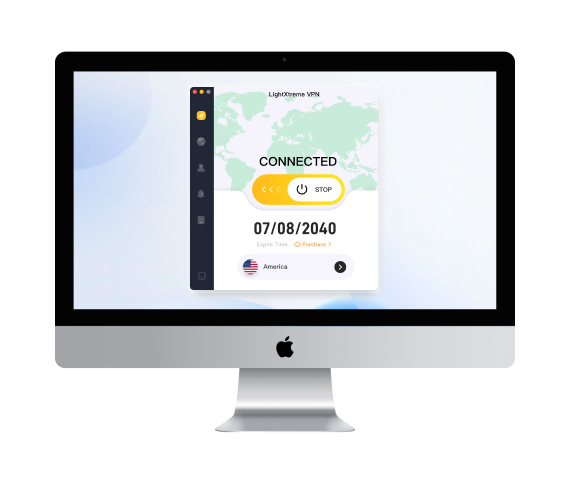


Mac ready in three steps
Download and add
Select Free Download and the LightXtreme VPN app installs automatically.

Subscribe and sign up
Pick and pay for a plan, then protect the issued numeric account with a password.
Log in and connect
Open the client, log in, pick a location and connect — then browse as usual.
What Mac users ask

Go with a client such as LightXtreme VPN, choose a plan and install it from the official website.

Protocols like Shadowsocks, Vless and WireGuard with AES-256-GCM keep data safe.
If the system says the developer is unverified, allow the app under Apple > System Settings > Privacy & Security.
Download for iPhone
Any device with iOS 15 or later can run it.
You can use it on any iPhone or iPad.
70+ countries are home to 2,000+ servers.
Geo barriers are removed and world-wide information is reachable.
No ceiling on bandwidth, just quick, stable, encrypted links.
The real IP stays hidden while encryption keeps everything secure.
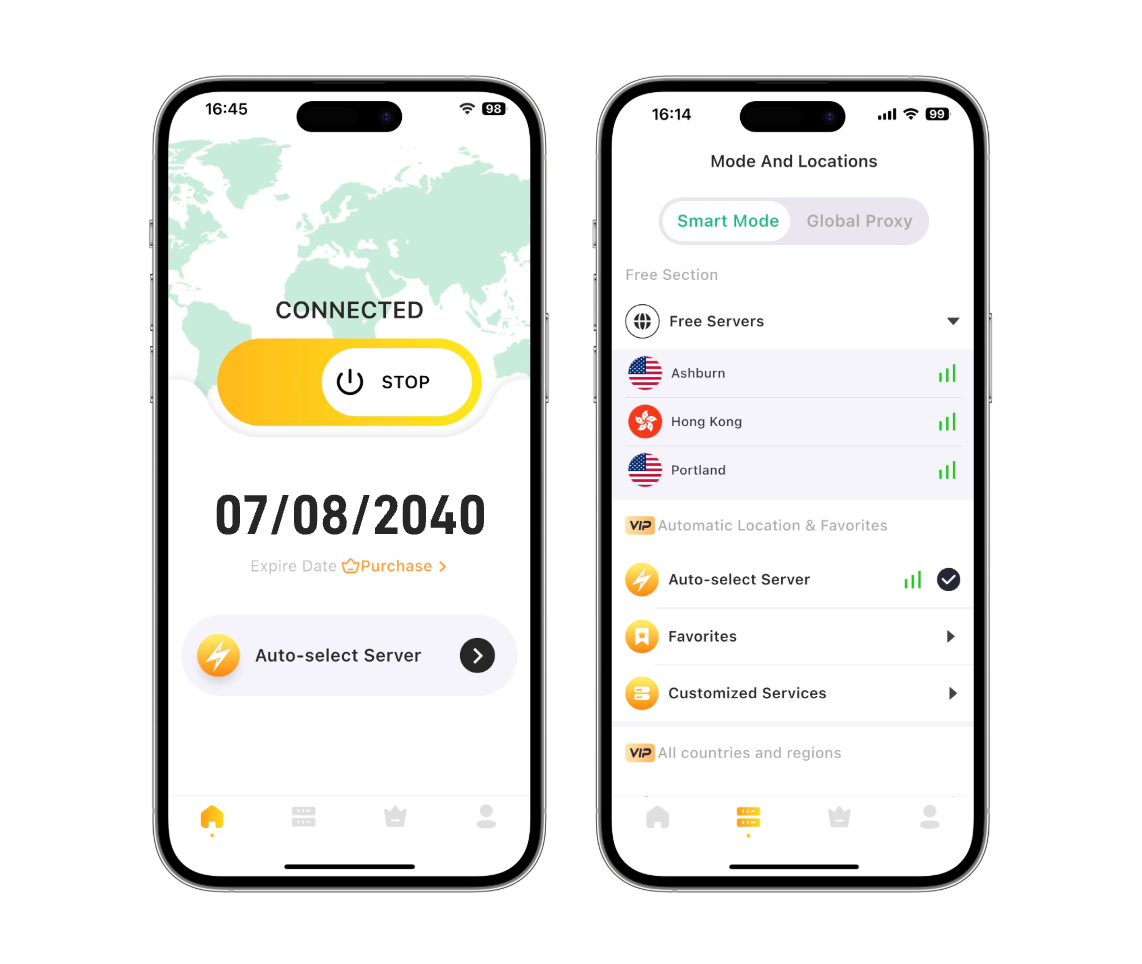
iPhone ready in three steps
Download and add
Hit Free Download or find the app in the App Store and install it on your device.
Subscribe and sign up
Installation grants a free trial account, and subscribing is the next step.
Log in and connect
After signing in, press Start or pick a different server of your choice.
What iPhone users ask
Regional restrictions are why the App Store may not show LightXtreme VPN.
A VPN keeps your privacy by hiding the IP and encrypting all traffic.
A free trial comes first, then a plan opens every server and unlimited bandwidth.
Download for Windows
Windows 10 and Windows 11 are the target systems.
The network covers 70+ countries with 2,000+ servers.
Geography no longer stops you from reaching worldwide content.
No bandwidth limit, just quick and dependable links.
All major platforms including YouTube, TikTok, Instagram and Netflix are available.
Hidden IP plus encrypted data keeps your private activity safe.
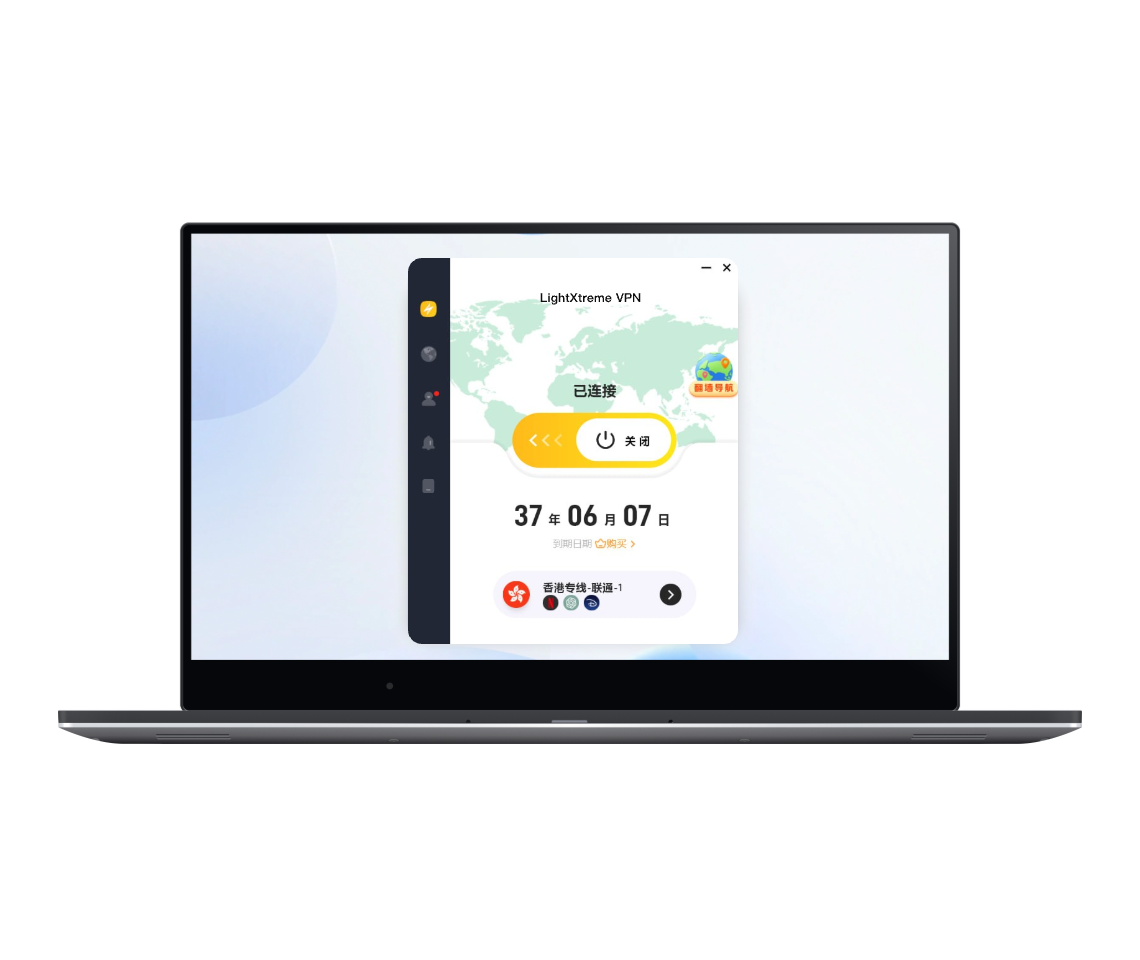
PC ready in three steps
Download and add
Select Free Download, download the client and install it on the computer.
Subscribe and sign up
Pick a plan, sign up, and set the password for your random account.
Log in and connect
After signing in, choose a server and tap connect to start browsing.
What PC users ask
Browse to the official site, tap Free Download and the client downloads automatically.
Before proceeding, verify that your connection is fast and stable.
Verify your account and password once more, and ensure the plan has not ended.
Yes, a single account covers 3 devices simultaneously.
Download for Android
It works from Android 5.0 onwards.
More than 2,000 global servers and unlimited bandwidth are included.
Regional restrictions are lifted from every site and platform.
Every session is fast, steady and well guarded.
Heavy-duty ciphers protect your data and privacy throughout.
Your real IP is covered, leaving you anonymous online.
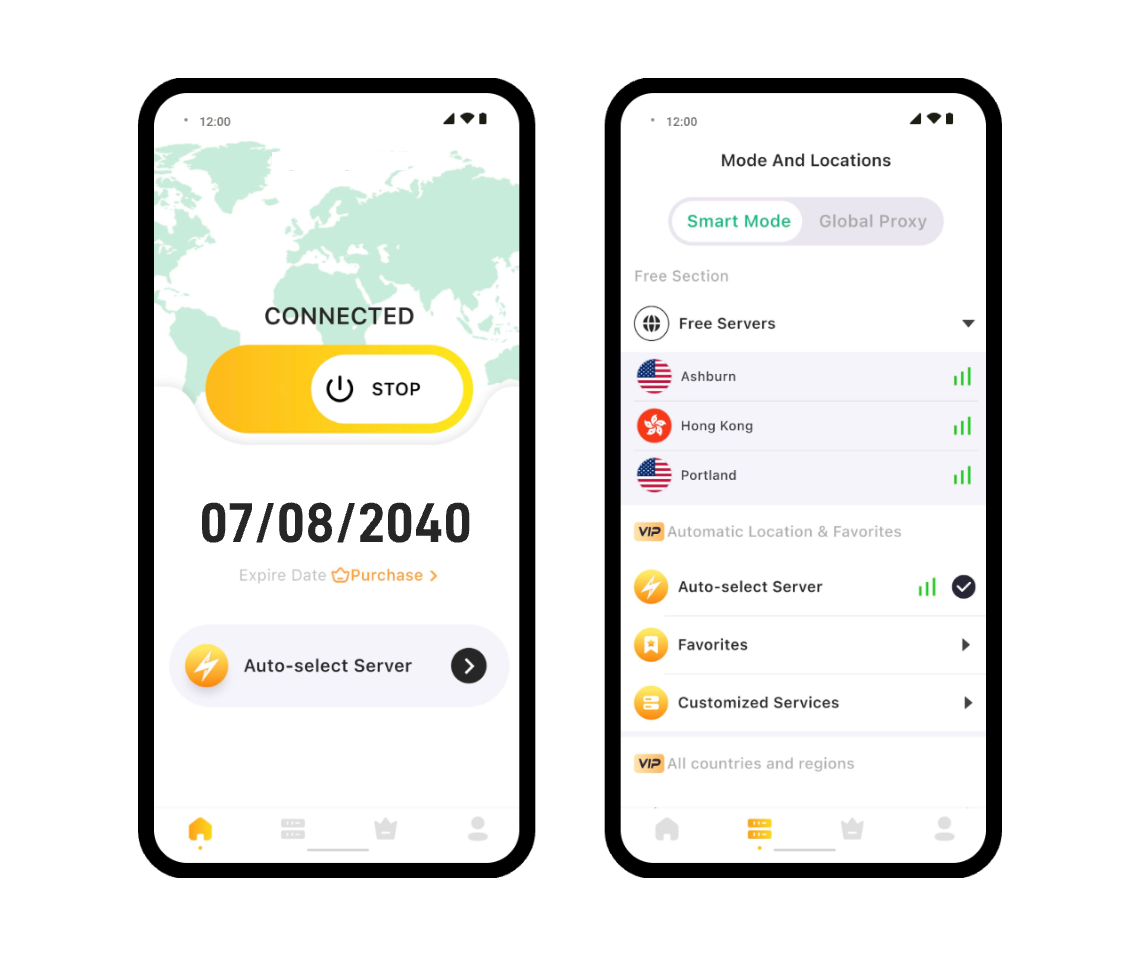
Android ready in three steps
Download and add
Hit Free Download and the client installs on your Android device.
Subscribe and sign up
After installing the app, a free trial account is ready and a plan may follow.
Log in and connect
After signing in, choose whichever server suits you.
What Android users ask
Select a trustworthy provider like LightXtreme VPN, install from Google Play and run it.
A paid plan is needed eventually, yet installation includes a free trial account.
Tap Stop in the app to disconnect.
Switch nodes, check the network, upgrade the client and connect again.
Download for Apple TV
Apple TV devices with tvOS 17 or later can use it.
More than 70 countries are home to roughly 2,000 servers.
Movies and shows on Netflix, Hulu, Disney+ can be watched freely.
Worldwide video unlocks when regional limits are crossed.
Tap once for a fast, reliable, uncapped connection.
Data and privacy stay protected under AES-256-GCM encryption.
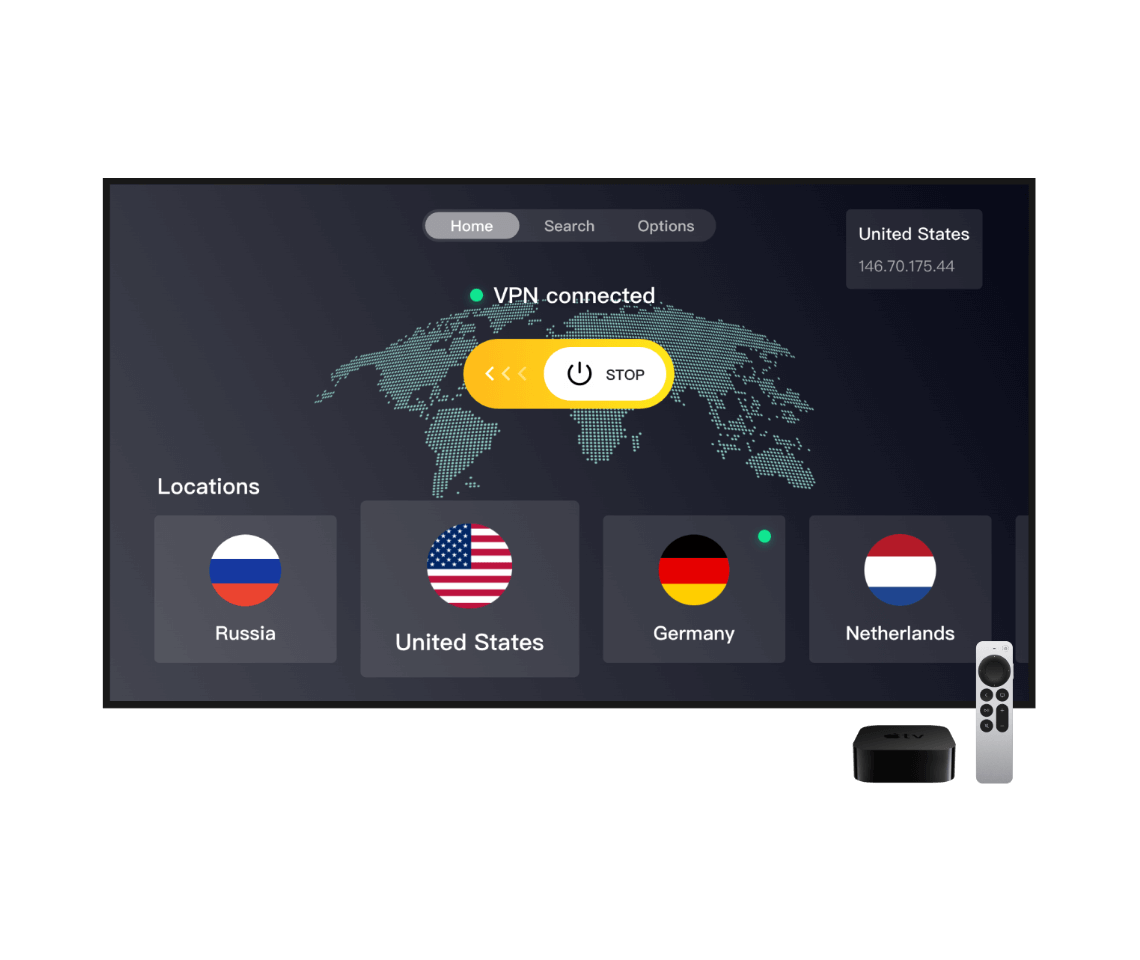
Apple TV ready in three steps
Download and add
Find LightXtreme VPN in the Apple TV App Store and download it.
Subscribe and sign up
Select a plan, collect your numeric account and sign in.
Log in and connect
Pick a location and node, connect, then watch what you like.
What Apple TV users ask
Search and install LightXtreme VPN from the Apple TV App Store.
Sign in with the account name and password, or scan the QR code shown by the LightXtreme VPN app.
Native VPN install on Apple TV requires tvOS 17 or newer.
Download for Android TV
Devices with Android 5.0 or newer are supported.
Movies and shows on Netflix, Hulu, Disney+ can be watched freely.
Content coming from 70+ countries is now available.
2,000+ servers across the globe, fast, steady, no caps.
Your information stays safe under heavy encryption.
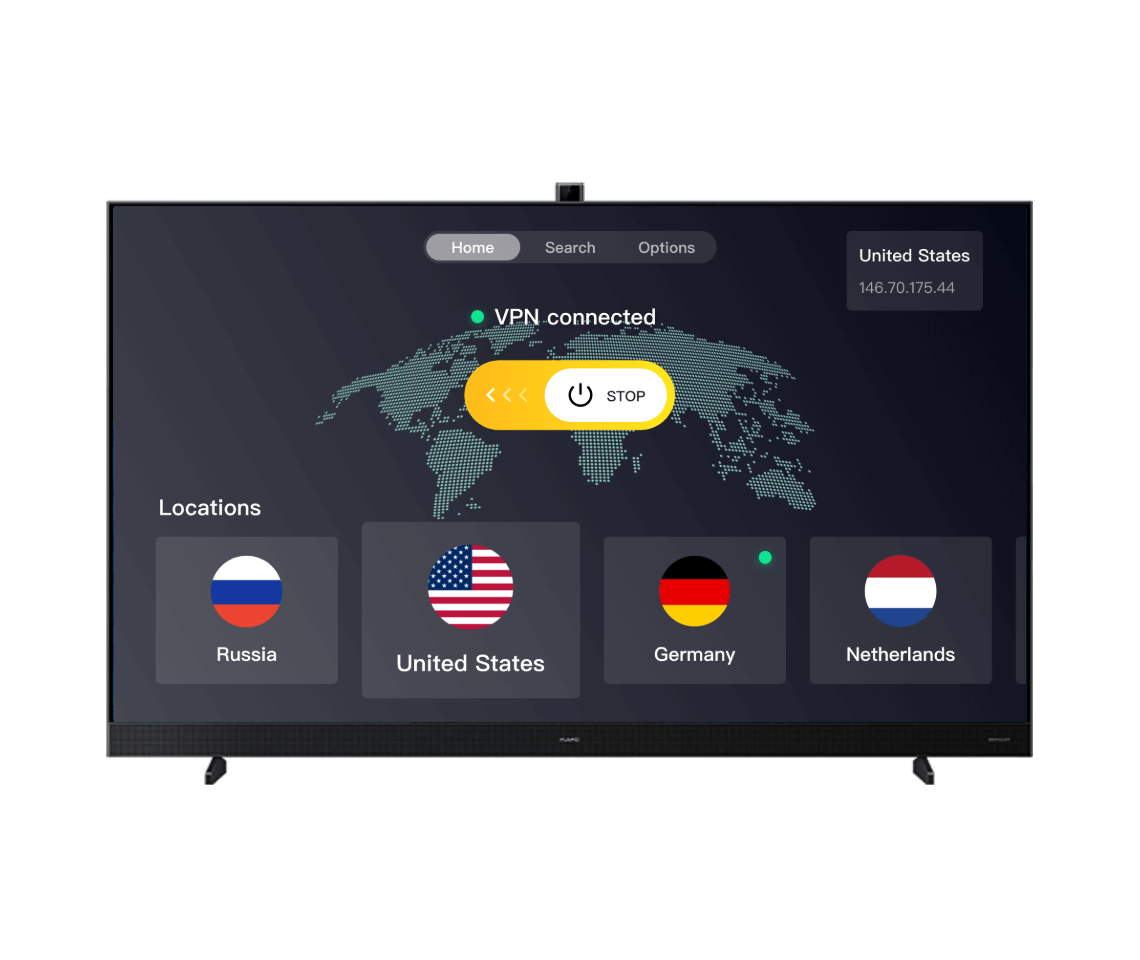
Android ready in three steps TV
Download and add
Find LightXtreme VPN in Android TV's Google Play and download it.
Subscribe and sign up
Select and pay for a plan, then sign in with the account you receive.
Log in and connect
Pick a location and node, connect, then watch what you like on TV.
What Android TV users ask
Find the app on Android TV's Google Play or install via APK.
Android TV gets a fast, safe, stable experience, with other platform clients available.
Sign in with the account name and password, or scan the QR code shown by the LightXtreme VPN app.
Yes, numerous VPN providers have Android TV apps you can install from the Play Store.
The better services use optimised high-speed nodes, keeping the speed loss small.
Download for Linux
AMD64 and ARM64 builds run on Debian 11 and Ubuntu 20.04 LTS or later.
70+ countries are home to 2,000+ servers.
Location barriers are removed so worldwide content can be reached.
No bandwidth limit, just fast and dependable links.
Every platform including YouTube, TikTok, Instagram and Netflix works.
Your true IP is covered and traffic encrypted, so private activity stays private.
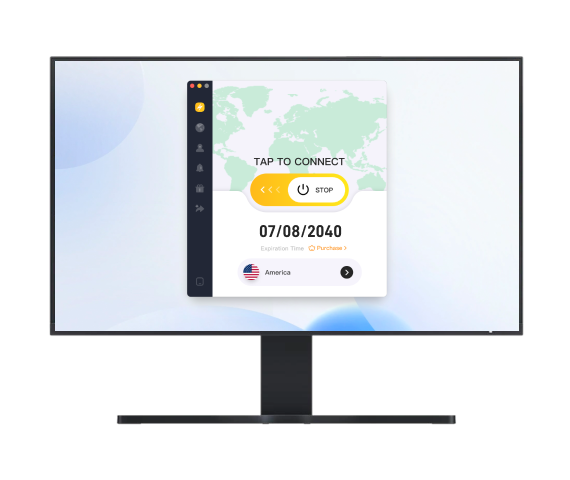
Linux ready in three steps
Download and add
Select Free Download and the client installs on Linux.
Subscribe and sign up
Subscribe to your plan and set up the numeric account.
Log in and connect
After signing in, tap Start or use Mode to pick a different server.
What Linux users ask
This client avoids the command line: installation, login and connection are managed in the interface.
Many VPN tools exist for Linux, and LightXtreme VPN ranks high for experience.
Download the Chrome add-on
A fast, secure, ad-free browsing experience.
Simple installation, ready for immediate use.
Advanced ciphers keep your private information safe.
With 2,000+ servers, any site or platform opens beyond region gates.
Stable connectivity gives a smooth online experience.
Your real IP is covered, keeping privacy and network safety.
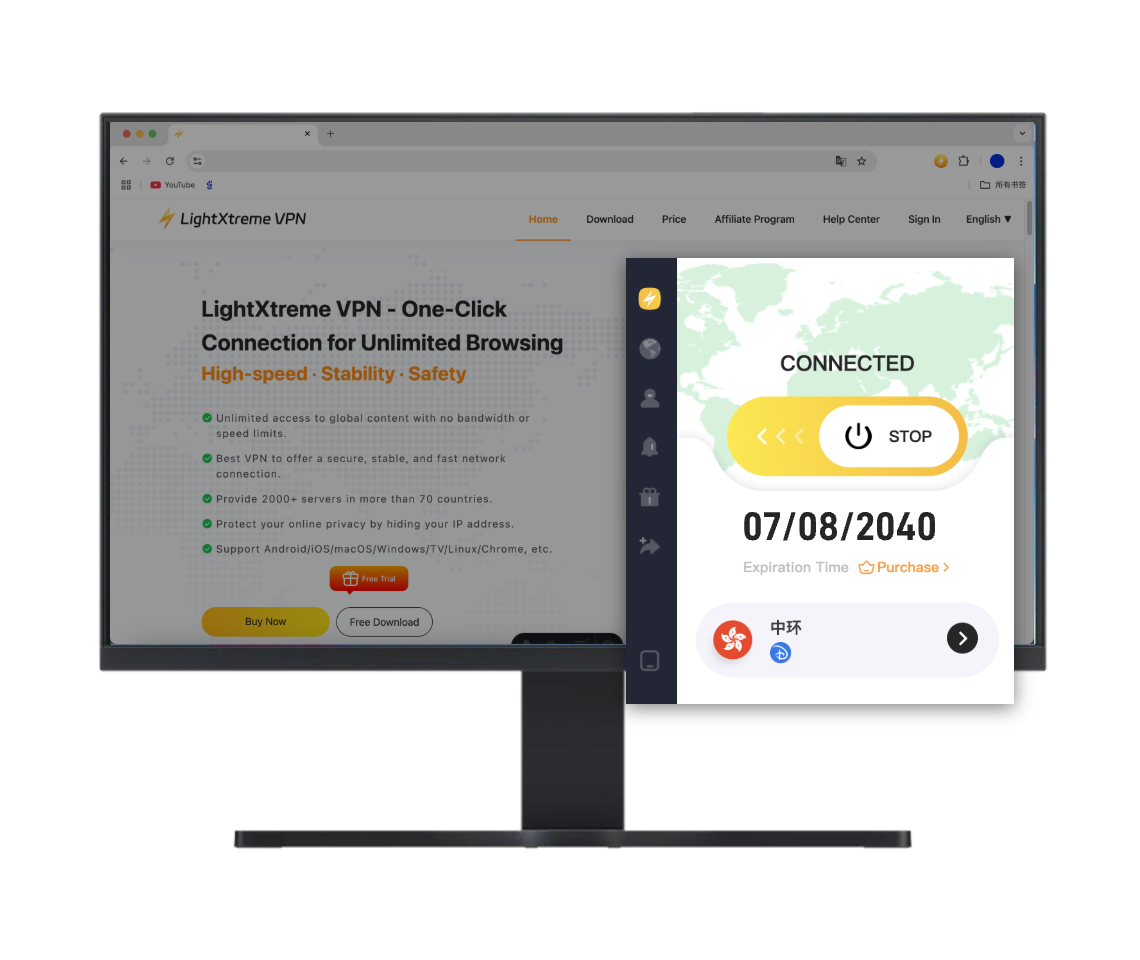
Chrome ready in three steps
Set up the Chrome extension
Select Free Download or add LightXtreme VPN from the Chrome Web Store.
Subscribe and sign up
Register and select the plan you need.
Log in and connect
Open the extension, log in, pick a country and server, then tap connect.
What Chrome users ask
Chrome 124+ is needed to run the extension.
Download the Edge add-on
Edge gives you quick, secure, advert-free browsing.
2,000+ servers globally help you reach the sites you want.
By rotating IPs you stay anonymous and your activity stays private.
Data is guarded by advanced encryption.
Easy installation, ready for instant use.
A fast, steady link is key to good browsing.
Edge ready in three steps
Set up the Edge extension
Hit Free Download, then accept the install prompt.
Subscribe and sign up
Set up an account, then select a suitable subscription.
Log in and connect
Open the extension, log in, select a server and click connect.
What Edge users ask
Edge 124+ is needed to run the add-on.
Download the Firefox add-on
Firefox gives you quick, secure, advert-free browsing.
Simple installation, ready for immediate use.
2,000+ servers globally open every site or platform.
Your real IP is hidden and private browsing is preserved.
Privacy receives top-level protection from advanced encryption.
Consistent speed gives the best browsing experience.
Firefox ready in three steps
Set up the Firefox extension
Look for LightXtreme VPN in the add-on store, click Add, or press Free Download.
Subscribe and sign up
Set up an account, then select a suitable subscription.
Log in and connect
Open the extension, log in, pick a country and server, then tap connect.
What Firefox users ask
Firefox 126+ is needed to run the add-on.